About this article
Procedure to adjust settings with a LIN button set in combination with a Mobi screen.
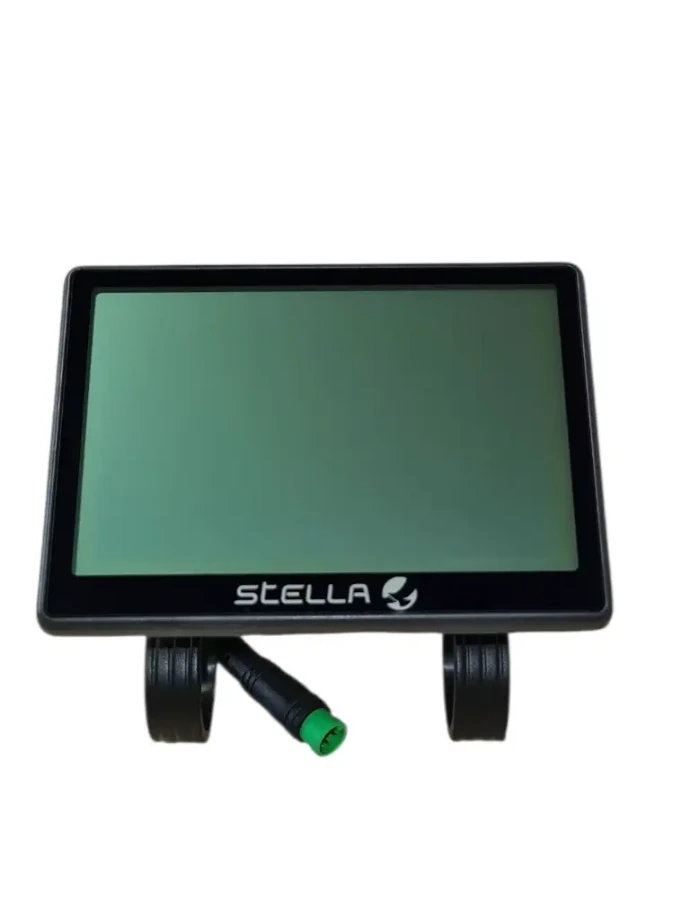
Open the settings menu
1. Turn on the bike
2. Open the settings menu
- Press and hold the + and the ⏻ (on/off) button simultaneously until the settings menu appears on the screen.
Adjust wheel circumference
1. Select wheel circumference
- Hold + for 1 second to select the wheel circumference.
2. Adjust the desired wheel diameter with + or –.
3. Press the ⏻ (on/off) button to save.
4. Press the ⏻ (on/off) button again to close the menu.
Adjust max. speed
1. Select max. speed
- Hold – press for 1 second to select the maximum speed.
2. Adjust the desired speed with + or –.
3. Press the ⏻ (power) button to save.
4. Press the ⏻ (power) button again to close the menu.
Note Ensure that the set maximum speed complies with the applicable legislation for the relevant e-bike category.
Adjust riding program
1. Select riding program
- Hold + and – together for 1 second to select the riding program.
2. Adjust the desired riding program with + or –.
3. Press the ⏻ (power) button to save.
4. Press the ⏻ (power) button again to close the menu.
Instruction video
Watch the video for a visual explanation of the above steps.
Can't figure it out?
Our technical support team will immediately assist you with troubleshooting and finding the right parts.
 Quality
 Service
 Availability